
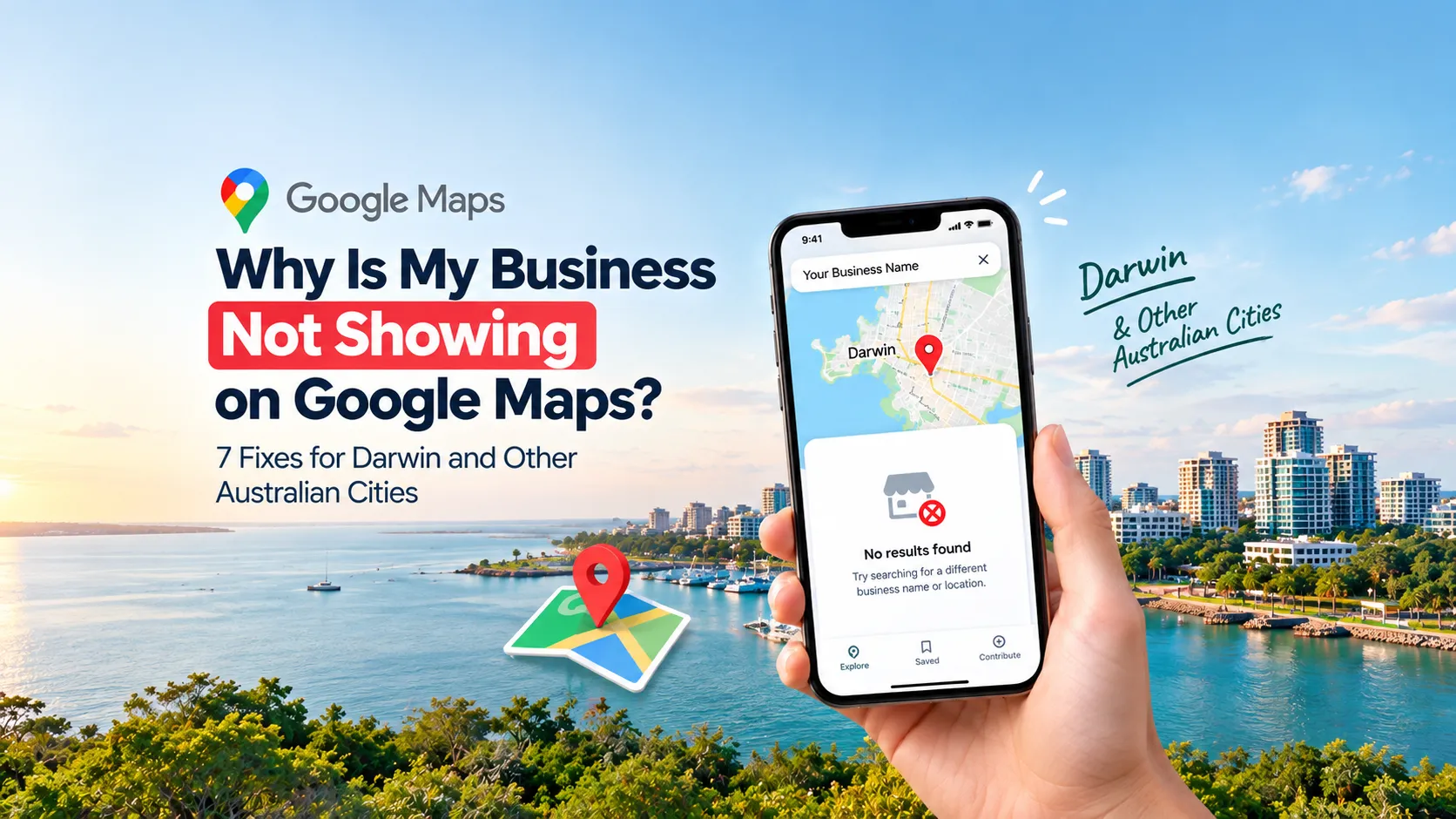
You set up your business. You told your mates. You even printed the flyers. Then you search for your own shop on Google Maps and… nothing.
It feels awful. But you are not alone. Plenty of Aussie owners, from Darwin to Perth, face this problem every week. The good news is that it is usually fixable.
In this guide, we will walk through why your business is not showing on Google Maps. Then we will cover seven simple fixes you can try today.
Why Google Maps Matters So Much for Local Business
When someone types “plumber near me” or “coffee in Darwin,” Google shows a map with three businesses at the top. This is called the local pack.
If you are not in that box, you are invisible to many ready-to-buy customers. These people are often just minutes away. They want to call, visit or book right now.
So getting listed is not a nice extra. It is one of the fastest ways to bring in local customers.
Common Reasons Your Business Is Missing
Before we get to the fixes, here are the usual culprits:
- You never created a Google Business Profile.
- Your profile is not verified.
- Google suspended your listing.
- Your details do not match across the web.
- You picked the wrong business category.
- Your address breaks Google’s rules.
- Your profile looks empty and unloved.
Now let’s fix each one.
Fix 1: Claim and Create Your Google Business Profile
This sounds obvious, but it is the most common problem. Google Maps pulls its info from Google Business Profile, which used to be called Google My Business.
Here is what to do:
- Go to Google Business Profile and search for your business name.
- If it appears, claim it.
- If it does not, create a new one.
- Fill in your name, address, phone number, website and opening hours.
Also check if someone else already claimed it. A past owner, a staff member or a web designer may have set it up under their own email. If so, you can request ownership.
Fix 2: Get Your Business Verified
An unverified profile often will not show up properly on Maps. Verification tells Google you are a real business at a real place.
Google may offer one or more of these options:
- Postcard by mail
- Phone call or text
- Video recording
The postcard can take several days to arrive. Posting times can be longer for remote parts of the Northern Territory, so plan ahead if you are outside central Darwin. If you do not see a postcard option, the video method is often quick. You simply film your shopfront, your tools or equipment, and proof that you run the business.
Once you receive your code, enter it straight away. Do not make a second profile while you wait. That can cause more trouble.
Fix 3: Check for a Suspended Profile
Sometimes your profile exists, but Google has paused it. This often happens after a big edit, such as a new name, a new address or a changed category.
To check, sign in to your Business Profile and look for a red warning banner. If you see one, read the reason carefully.
To fix it:
- Make sure your details follow Google’s guidelines.
- Use your real business name, not a name stuffed with keywords.
- Gather proof, like your ABN details, a business licence, a utility bill or photos of your shopfront.
- Submit a reinstatement request through your profile.
Be patient. Reviews can take a few days. Spamming repeated requests will not speed it up.
Fix 4: Choose the Right Business Category
Your main category is a huge ranking signal. If you are a physio but you pick “health consultant,” Google may not show you for physio searches.
Pick the most specific main category you can. For example, choose “Italian restaurant” instead of just “restaurant.” Then add a few extra categories that truly fit.
Do not add categories that do not apply to you. It looks spammy and can hurt your results.
Fix 5: Make Your Details Match Everywhere
Google checks if your business name, address and phone number (NAP) match across the web. If one site says “Unit 2, 14 Smith St” and another says “2/14 Smith Street,” that can confuse things.
Here is a quick checklist:
- Use the same name, address and phone format everywhere.
- Update your Facebook page, Yellow Pages, True Local and Hotfrog.
- Fix old listings with your previous address.
- Merge or remove duplicate profiles.
This step is a core part of local SEO. If you want help sorting it out, the team at Qii Creative offers SEO services for Australian businesses of all sizes.
Fix 6: Follow the Address Rules (Especially for Home and Service Businesses)
Many tradies, mobile groomers and home-based owners run into this one. Google does not allow fake addresses, PO boxes or most virtual offices for a storefront listing.
If you go to your customers, you can set up a service area business. This lets you hide your street address and show the suburbs you cover instead. A Darwin electrician, for instance, might list Palmerston, Casuarina, Parap and Nightcliff.
If you serve customers at your own location, show your address. Just make sure it is real and staffed during the hours you list.
Your website matters here too. A clear contact page and a fast, mobile-friendly site help Google trust your business. If your site is out of date, a professional web design and development service can give it a fresh start.
Fix 7: Build Out Your Profile and Collect Reviews
A bare profile is easy to ignore. Google prefers businesses that look active and trustworthy.
Try these quick wins:
- Add a clear business description.
- Upload real photos of your shop, team and work.
- List your products or services.
- Post updates and offers regularly.
- Check that your hours are right, including public holidays.
Then ask happy customers for reviews. Send a simple message or share your review link after a job is done. Reply to every review, good or bad. Keep it friendly and short.
Good photos make a big difference. If yours look dull, graphic design support can help your brand look sharper.
Special Tips for Darwin Businesses
Darwin is a smaller market, which can work in your favour. There is less competition for many search terms.
Here are a few local tips:
- Mention the suburb or area you serve, like Winnellie, Berrimah or Palmerston.
- Keep wet season and dry season opening hours up to date.
- Ask local customers to mention your area in their reviews.
- Join local business groups and get listed in NT directories.
These small touches tell Google exactly where you work.
What If You Still Do Not Show Up?
Sometimes you have done everything right, and results are still slow. Maps rankings depend on three main things: relevance, distance and prominence.
Relevance is how well your profile matches the search. Distance is how close you are to the searcher. Prominence is how well known you are, based on reviews, links and mentions online.
You cannot change distance. But you can improve the other two over time. If you want faster results, Google Ads can put your business in front of local searchers while your organic ranking grows.
Frequently Asked Questions
How long does it take for my business to show on Google Maps?
Once your profile is verified, it can appear within a few days. Sometimes it is quicker. Ranking high in the local pack takes longer, often several weeks or months, because Google looks at reviews, activity and website strength.
Why does my business show on Google Search but not on Maps?
This usually happens when your listing is not fully verified or has a data issue. It can also happen if your address is unclear. Check your Business Profile for any warnings and make sure your location pin is correct.
Can I show up on Google Maps without a shopfront?
Yes. If you travel to customers, you can create a service area business and hide your address. You must still be a real business with real customer contact. You cannot use a fake address to appear in a certain suburb.
Does it cost money to list my business on Google Maps?
No. Creating and managing a Google Business Profile is free. You only pay if you choose to run ads.
Why did my Google Maps listing disappear?
A listing can vanish due to a suspension, a duplicate merge, or a policy issue like a keyword-stuffed name. Log in to your profile, check for alerts, and follow the steps to appeal.
Do reviews help me show up on Google Maps?
Yes. Reviews are a strong signal of trust and popularity. Aim for steady, genuine reviews rather than a sudden burst, and always respond to them.
Final Thoughts
A missing Google Maps listing is frustrating, but it is rarely a dead end. Start with the basics: claim your profile, verify it, choose the right category and keep your details consistent. Then build trust with photos, posts and reviews.
Whether you run a cafe in Darwin or a clinic in Brisbane, a few small fixes can put you back on the map. And if you would rather have experts handle it, visit Qii Creative to see how they can help your business get found online.
Related reading
- Why Is My Website Not Getting Any Traffic? 9 Reasons and How to Fix Them (Australia)
- 5 Red Flags That Prove Your Website Is Losing You Clients in the Australian Market
- Meta Ads Clicks but No Sales? 8 Proven Fixes
- Our Google Ads management service
- Digital Marketing Agency Darwin
- Digital Marketing Agency Sydney